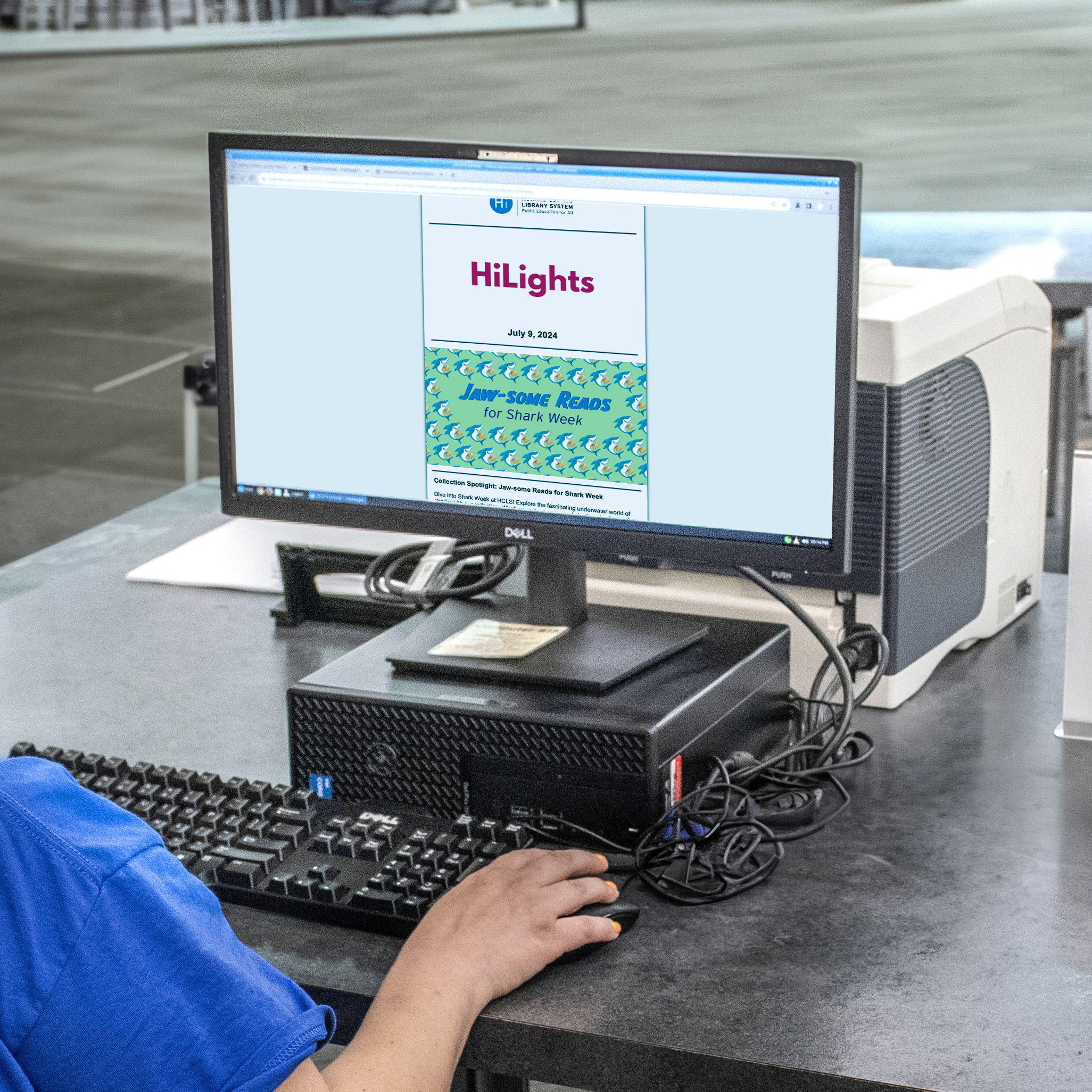

Transfer Libby/OverDrive holds to a new card
Jul 15, 2024
Complete this simple form to request a transfer of your Libby/Overdrive holds from an old library card to your new card.

Libby/OverDrive Holds Transfer Form
If your library card is replaced, Libby/OverDrive holds linked to your old library card will not be available on your new card. Follow the below link to the form on Maryland’s Digital eLibrary Consortium Customer Support Page to request that your holds be moved from an old card to a new card.
Follow these steps.
- Go to Libby/Overdrive Holds Transfer form on the Maryland’s Digital eLibrary Consortium Customer Support Page
- Select “Account – Card Update” as the issue
- Include both new and old library card barcodes in the description. If you don’t have your old card number, please list title, author, and format of all of the holds you want transferred in the Question or Description of the Problem field. (Example: Lessons in Chemistry by Bonnie Garmus, eAudio)
- Someone will respond within three to seven days.
Still need help? Request One-on One assistance.
Related Articles

Clause and Effect
Join us for a friendly, plain-spoken 40-minute presentation followed by a live, hands-on Q&A with a local attorney.
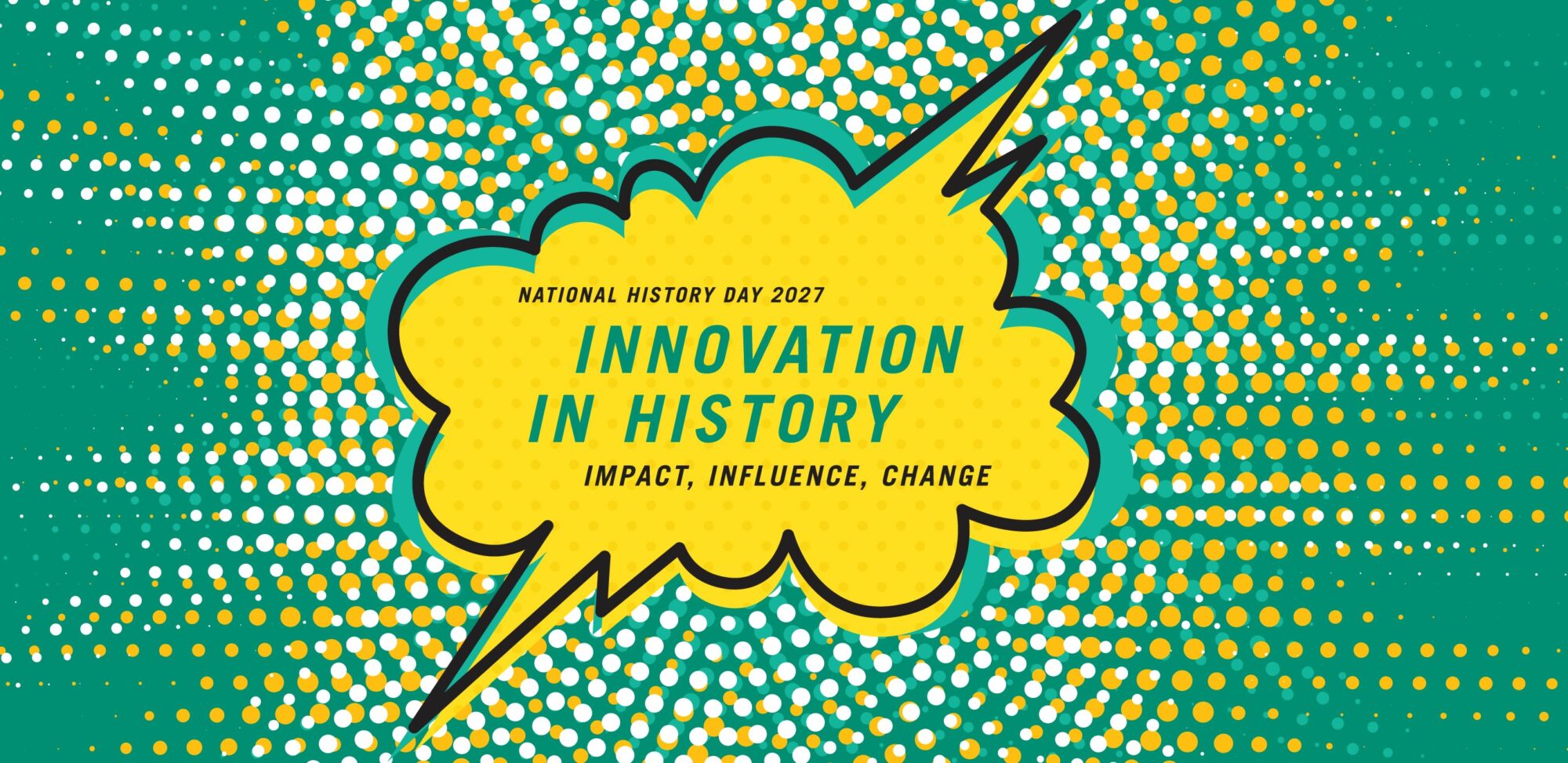
National History Day 2027
An extended academic program focused on historical research, interpretation and creative expression for 6th to 12th grade students.
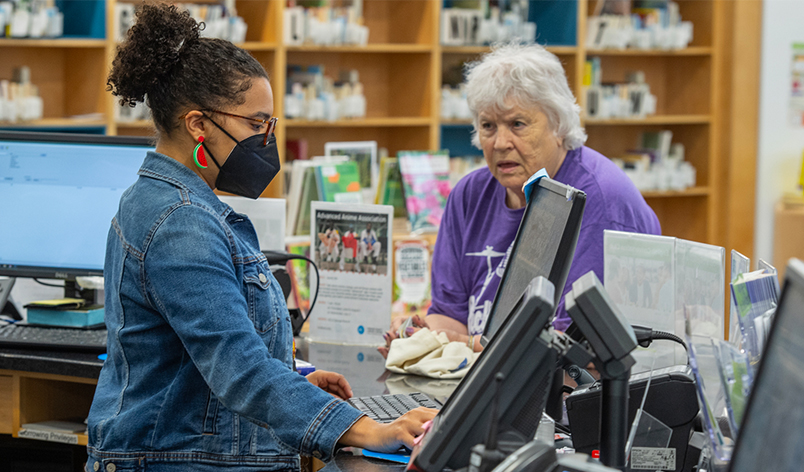
September is National Library Card Sign-up Month
September is National Library Card Sign-up Month!
Stay connected with our newsletters.
Newsletter Subscriptions