

Printing & Computers

Technology Use
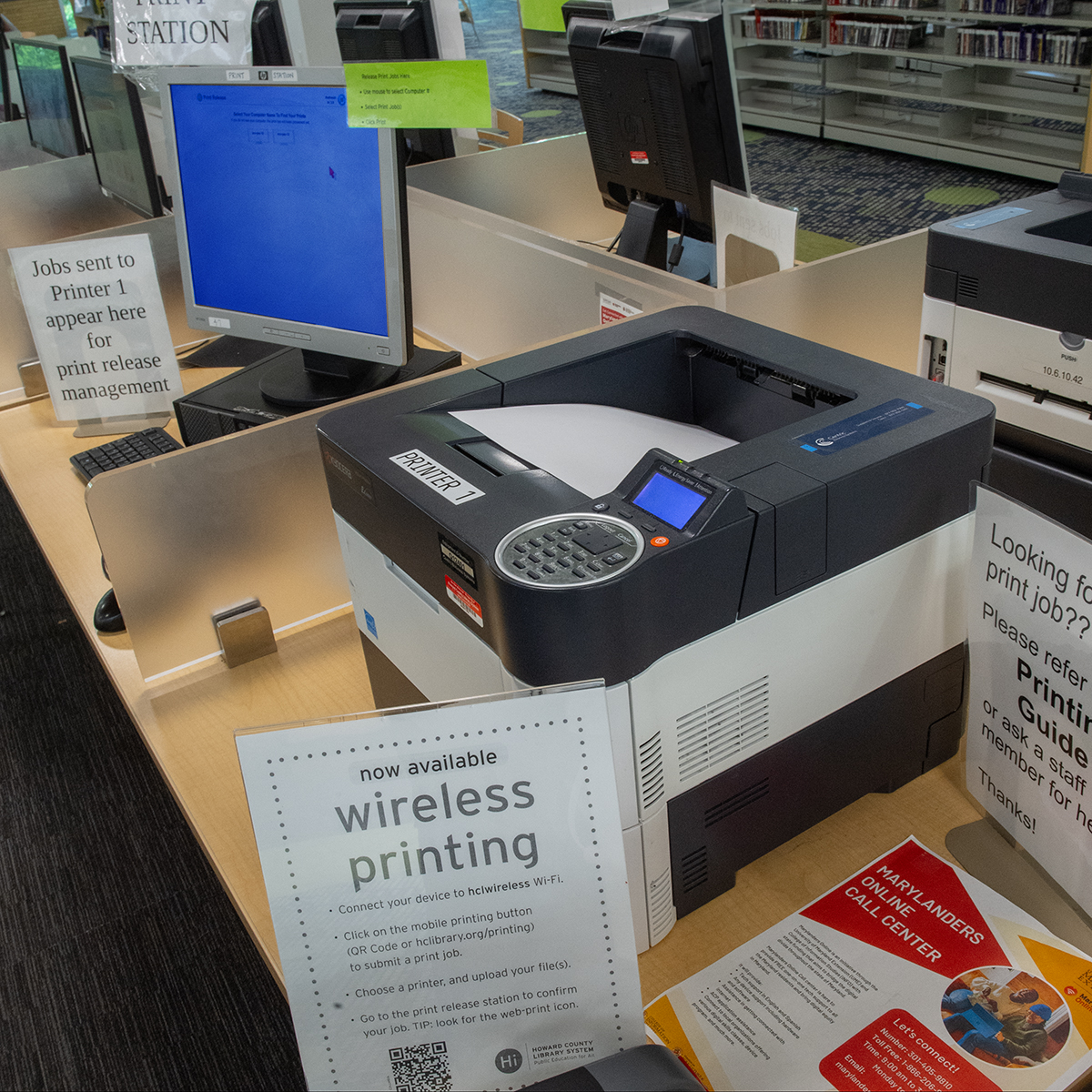
Printing, Scanning & Faxing Costs
Printing & Scanning | Free
B&W Copies | Any Size | $0.20
Color Copies | Letter Size | $0.75
Color Copies | Legal & Ledger Size | $1.00
Faxing (first page) | $1.50
Faxing (additional pages) | $1.00
Tip: Scan documents to an email address or directly to a USB device
Wireless Internet Access
Free high-speed Wi-Fi is available at all Howard County Library System branches, providing equal access to online resources and learning opportunities. Connect to the hclibrarywifi network using any Wi-Fi–enabled device.
Computer & Software Use
Library computers run Groovix, a Linux-based operating system designed for accessibility, security, and productivity. Use internet access and open-source software like LibreOffice, Firefox, Chrome, F-Spot, GIMP, VLC, and more. USB drives and devices can be connected easily.
Browsers & Software
- Browsers: Firefox, Chrome
- Programs: LibreOffice, GIMP, Audacity, VLC, educational games
- Accessibility tools (Orca Screen Reader, magnifiers) available on all stations
Why Linux?
Linux is secure, reliable, and free. It protects against malware and supports research, writing, and creative projects. Regular updates allow us to offer new technology.
For Children
Parents/guardians should supervise children online. Kid-friendly resources are available in our Digital Library under the Children tab.
Privacy & Security
Always log out. This clears personal data and resets the computer.
Learning Support
Our computers feature easy-to-use software and our staff is happy to help. You may also sign up for One-on-One Assistance with eResources in our Digital Library.
Safe Use
Accessing illegal or pornographic content is prohibited. Downloads to USB drives are allowed; installing software is not. Staff ensure a safe, educational environment—please use responsibly.
Note: Internet use must follow our Internet use Guidelines and Policy.